Fast browser mode
TurboCut Fast
Best for quick previews and fast silence decisions. Keep the editing experience light and responsive before final export.
Start Fast CutCut silence, add transitions, style filters, punch in with zooms, and generate captions from one fast browser editor.
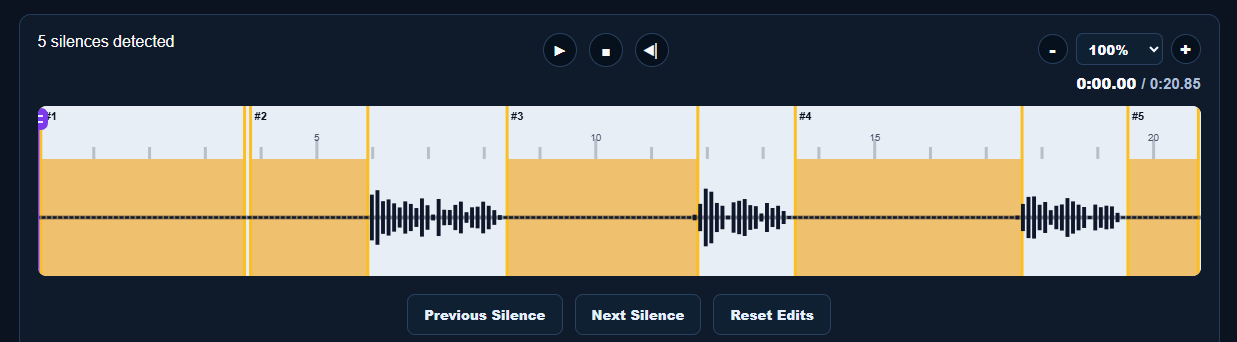
Best for quick previews and fast silence decisions. Keep the editing experience light and responsive before final export.
Start Fast CutBest for longer videos, saved projects, server processing, and future advanced tools like captions, filters, zooms, and team workflows.
Start Pro Project